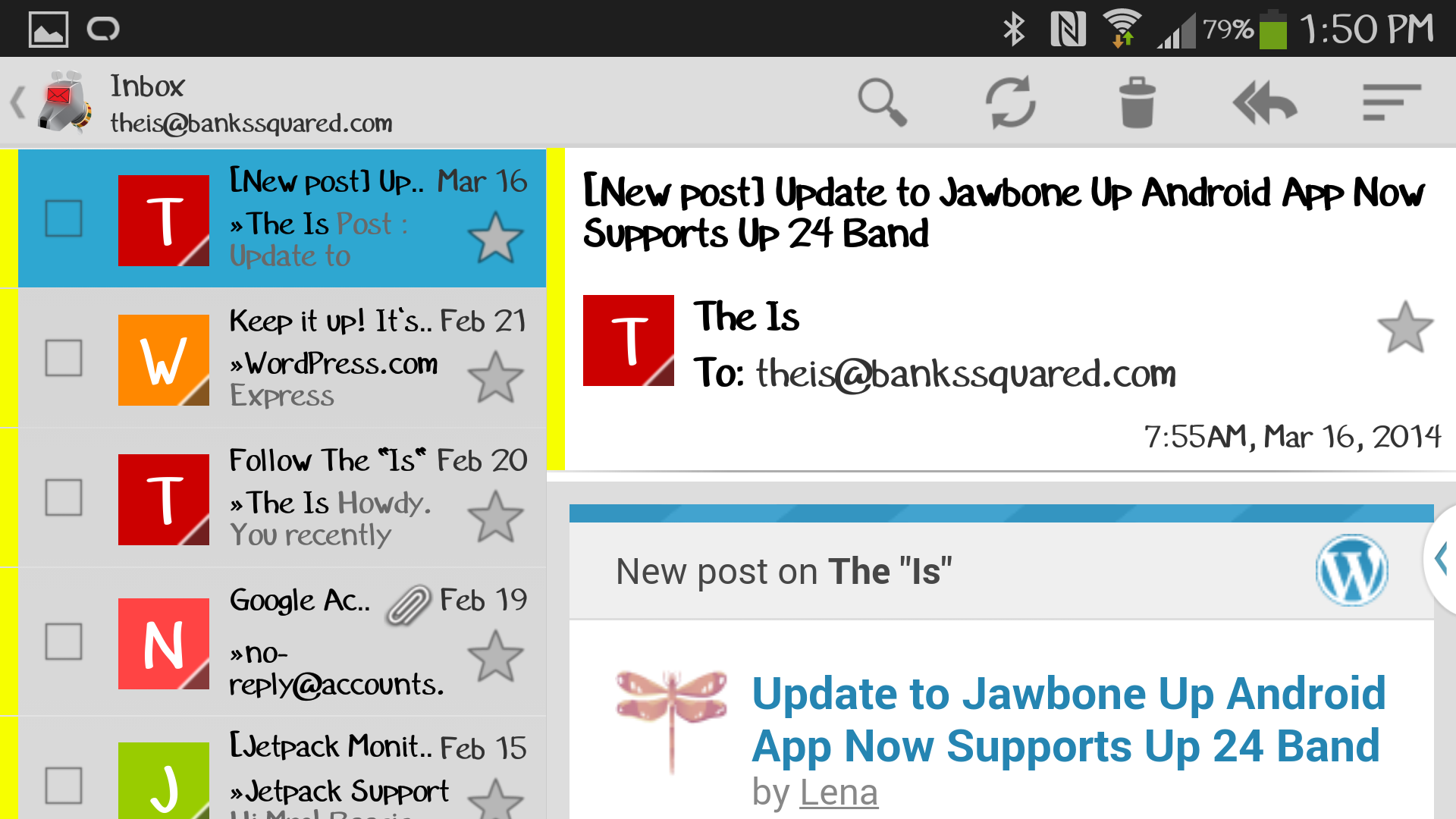
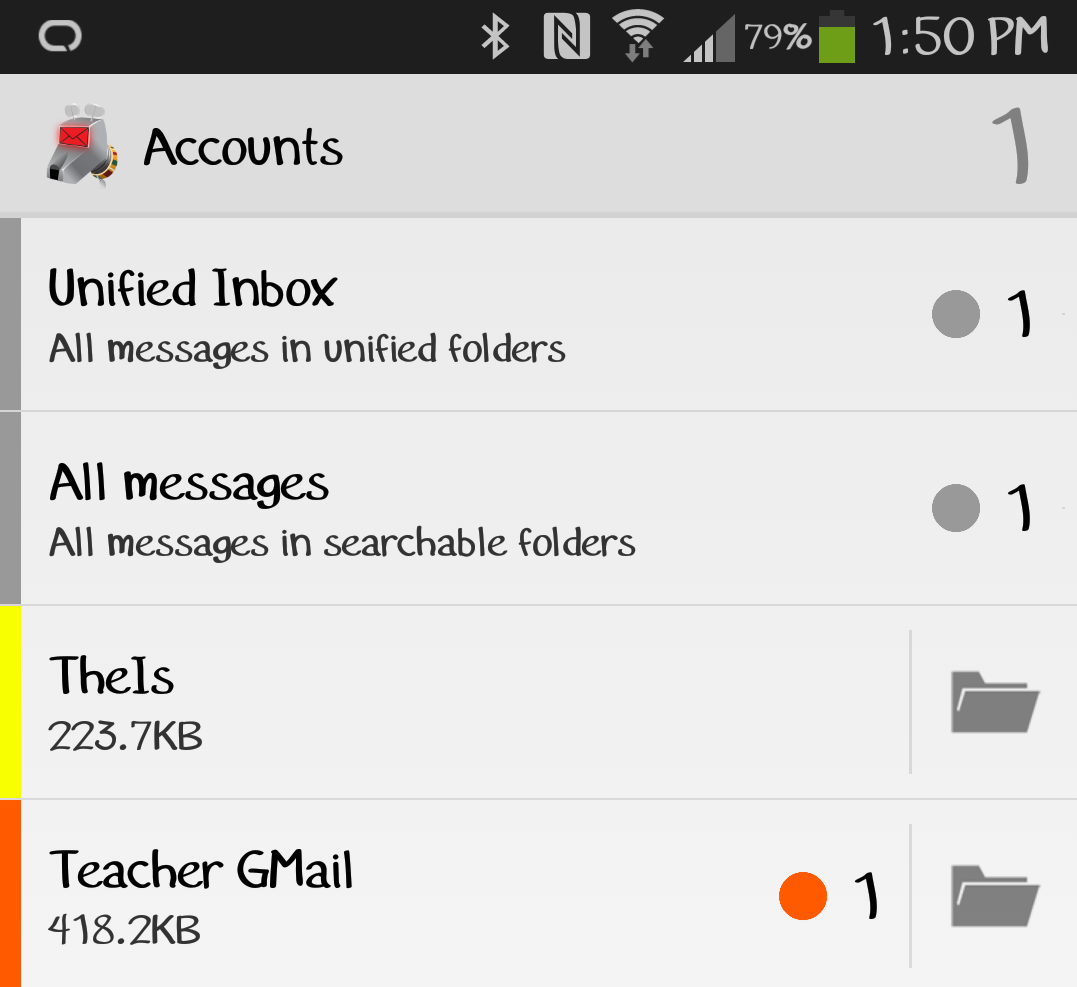
Just a quick update about the K-9 Mail Android App. Make sure to use the widget that shows the number of new messages using a badge. I use the feature with the “unified inbox” so that I know the number of new messages for all of my accounts combined.
Category: Technology
Product and software reviews or questions about the two. Yeah, questions are good …

K-9 Mail Android App
Ok, I’ll admit it. My Galaxy Note 3 isn’t perfect, but I’m still enjoying my Note 3 more than I did my iPhone. I even view the Note 3 on different terms than I did my iPhone 4s. The iPhone quickly became a necessity that I needed to communicate and occasionally surf the web or play with a few apps. The Note 3 is my “do-everything” companion. I love discovering new features and just plain using the phone even after a month of use (I believe my original iPhone 3G may have seen 1 week of this type of use, and the 4s… Ha!).
The previous being said, I will now admit the native email client on my Note 3 was a little less than desired, so I searched the internet for options. The solution I chose, K-9 Mail. This Android app is wonderful. It syncs my email instantaneously, offers color coded organization, and unlike many apps, a combined email box for all email accounts.
Other cool features of K-9 Mail (that I’ve discovered so far) are the customization of notifications using the LED light of the Note 3, manual selection of folders to auto sync, and it’s instantaneous sync abilities (the app notified me of new mail at the same time the GMail app did, and sometimes before!).
I highly recommend you try this app if you are feeling disappointed with the native Note 3 email client. The K-9 Mail app has become my new best friend (just don’t tell my dog Bernie 😉
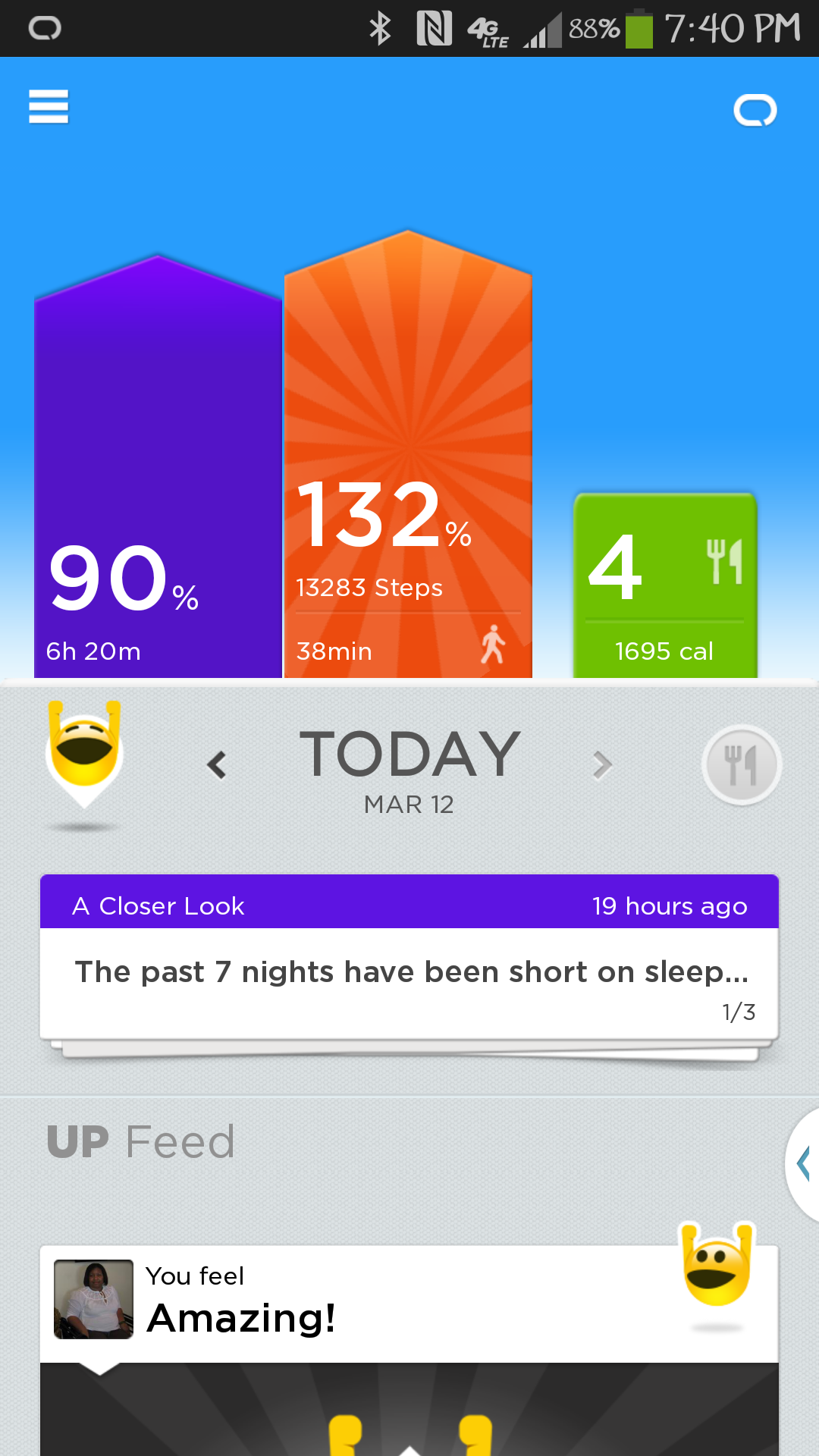
Update to Jawbone Up Android App Now Supports Up 24 Band
On yesterday I got a pleasant surprise… The Aliph company finally updated the Android version of its Up app to support the Up24 band! This is great news since I own an Up24 band and I recently purchased a Galaxy Note 3. What is the Up24 band or even a standard Up band? It’s a product that falls in the same fitness accessory category and is similar to a FitBit and Nike Fuel band. The Up24 band, via a bluetooth connection, will sink your daily activity data with the app on your smartphone or tablet. Activities include step count (first and foremost), sleep tracking, and timed exercises (running, power walking, etc.). For more information about the Up24 band click here.
What do I like about the Up24 band versus similar products? THE Up24 band is stylish and lightweight. It is barely noticeable. It carefully tracks sleep. The app allows you to log meals, so you can dump apps such as “Lose it!” Unlike many similar products, the app displays the number of steps you take and not “points”.
If you are in the market for an exercise “companion” and tracker, I would absolutely suggest you try the Up24 band. You will be motivated to meet your health goals!
I feel like I’ve cheated on my “boyfriend” of 6 years …
Two weeks ago I made “the switch”. After six years of using an Apple iPhone(s), I “upgraded” to a Samsung Galaxy Note 3. I must say, I am impressed. The Note 3 obviously has more features than an iPhone:
- Larger screen size
- Multi app views (while this is restricted to certain apps, it is still very nice)
- Customization features (I really love the widgets!)
- LED indicator
- Stylus (I love to write notes and doodle during meetings 🙂 )
The only problem I have with the Note 3 is the large/long learning curve. I’ll admit it has taken me the entire first two weeks that I’ve owned the phone to totally acclimate myself to it. That being said, if you purchase, make sure you have a few days to review all of the features, even simple ones such as making a phone call 😉
So, why did I switch? Simply said, over the past 6 years, the iPhone has remained “simple”. If you like “simple” then by all means stick with the iPhone.
Definitely no regrets in switching… Now if I can just decide whether to divorce my “husband” the iPad 😉
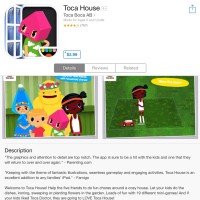
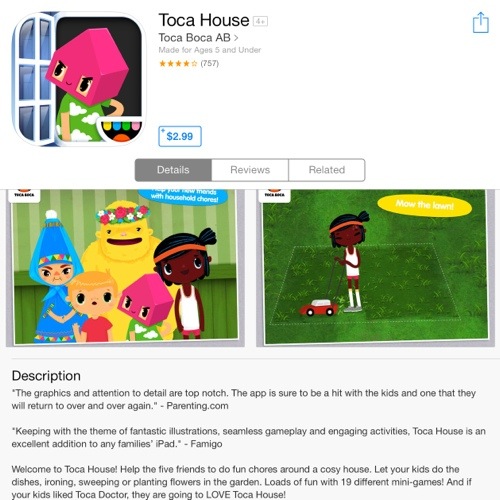
Toca House iPad App for Kids
Most of the games we see kids play include senseless birds (angry or flappy) or they teach basic skills (reading and arithmetic; these are awesome as well). During Apple’s 12 Days of Christmas, I downloaded a kids app that I really didn’t think my 2 1/2 year old son would have interest in. That app… Toca House. This app is amazing both in concept and “game play”. Kids have the opportunity to complete many household tasks or chores. I know what you’re thinking, “How would a toddler benefit from this?” I know my son will not be washing clothes or mowing the lawn anytime soon, but the app also shows them what to do do when they spill things and how to sort mail into mailboxes by color. It also helps my son understand what the “mythical” vacuum cleaner does as he vacuums a thick cloud of black dirt (obviously he doesn’t understand that the vacuum mommy uses picks up tiny dust particles because he can’t see them). To get the most of this app, as with any app, parents must play with their kids to reinforce the chores kids complete. Hopefully some day as I vacuum the floor, I’ll see my son pick up the app and pretend vacuum as well. Until then, I appreciate him helping me load clothes into the dryer 😉